
Integrations
How to set up your AI key
2 min read
WPInsight’s AI features run on your own AI provider API key — bring your own, we never charge you for AI usage or share your key.
How to add your key
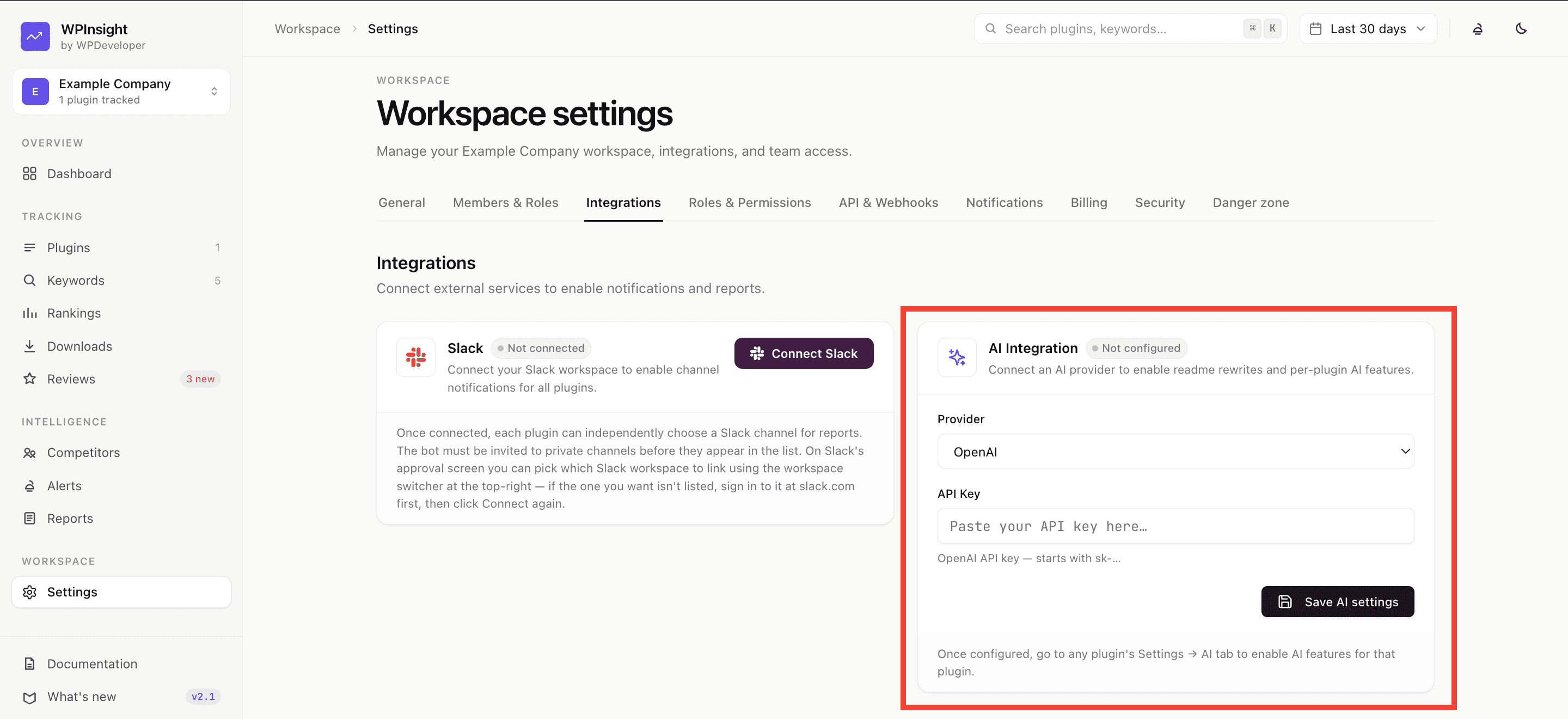
- Go to Settings → Integrations.
- Under AI, paste your AI provider API key and save.
- The key is stored encrypted and only ever shown masked afterward — WPInsight never displays it back in full.
Who can add a key
It’s available to anyone with edit access on the workspace — no separate plan required. Once a key is set, every AI feature (like readme rewriting) becomes available. See How to rewrite a readme.