Tracking
Rankings
4 min read
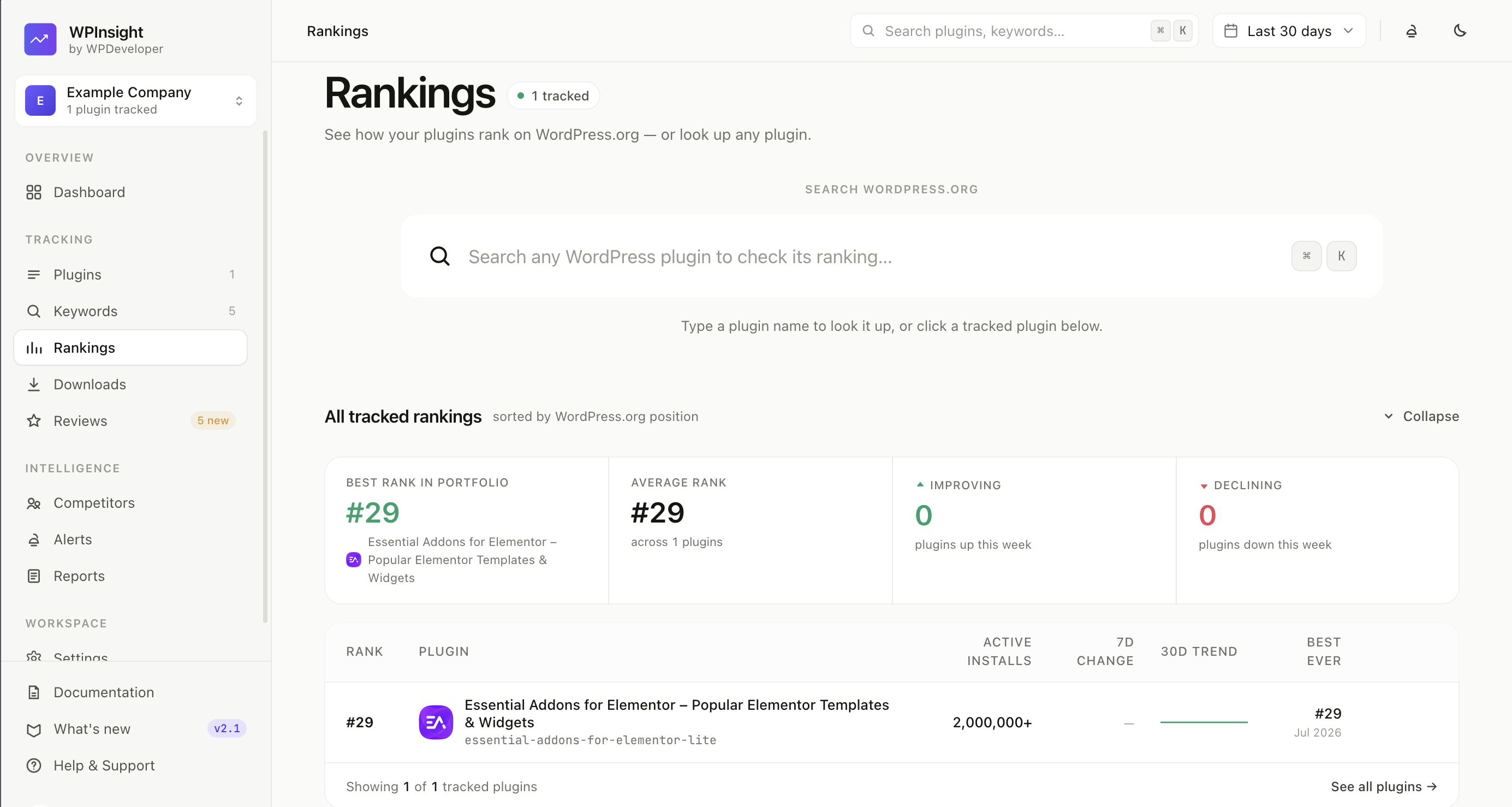
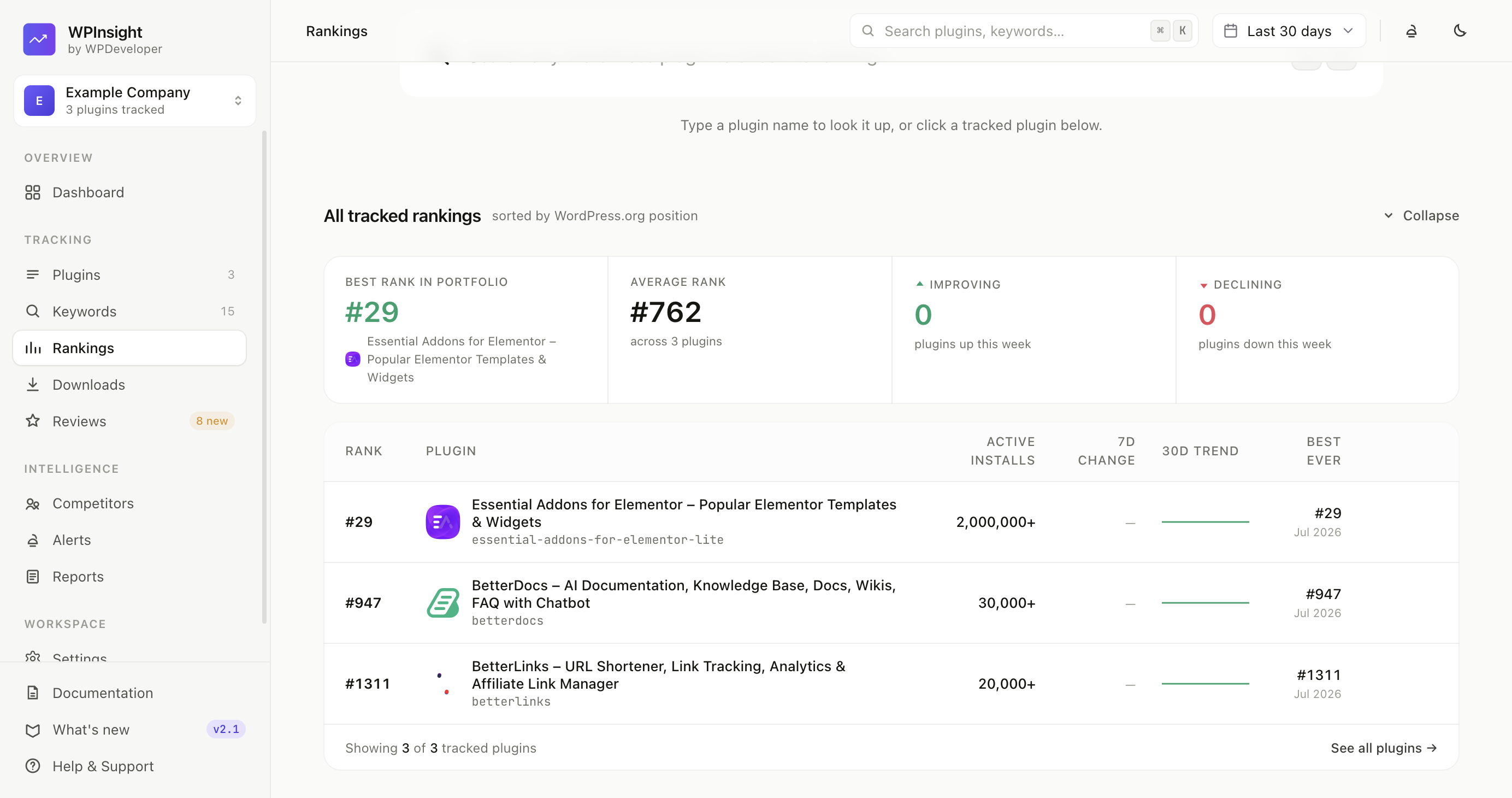
The Rankings page is your command center for how your plugins are ranking — a portfolio overview up top, and a deep-dive into any single plugin below.
What the Rankings page shows
Open Rankings from the sidebar (under Tracking) and you’ll see:
- Portfolio overview — a KPI strip plus a table of every tracked plugin with its current rank and a trend sparkline.
- Hero search — look up any plugin on WordPress.org right from the page.
How to explore a single plugin
Click any plugin (or use the hero search) to open its detailed view. The overview collapses so the plugin takes the stage. You’ll find:
- Rank vs. installs and rank change charts over time.
- Keyword positions — where the plugin ranks for each tracked keyword.
- Competitors and a review breakdown for context.
- Recent activity — notable changes at a glance.
The Next Milestone card
A Next Milestone progress card shows how close the plugin is to its next install tier, with a progress bar and an estimated pace — so you can see momentum toward the next big number at a glance. (More on tiers in Downloads & milestones.)
Related
- Add keywords to track rankings — the positions shown here come from your tracked keywords.
- Competitors — see who ranks around you.