
Public Site
Compare plugins
3 min read
Put two WordPress.org plugins side by side and see, at a glance, which one wins on the metrics that matter. No account required.
How to compare plugins
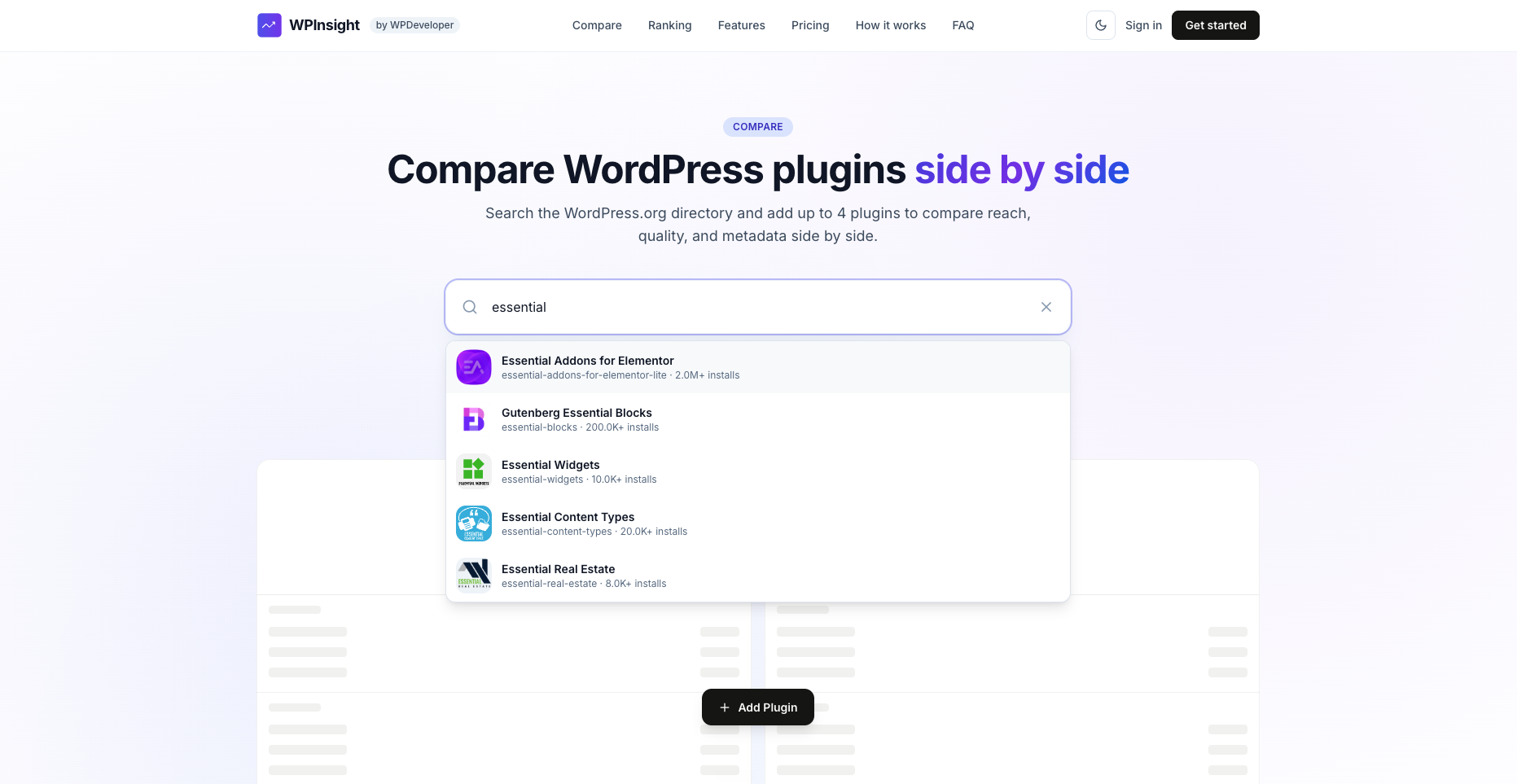
- Open the Compare page.
- Search WordPress.org and pick the plugins you want to line up.
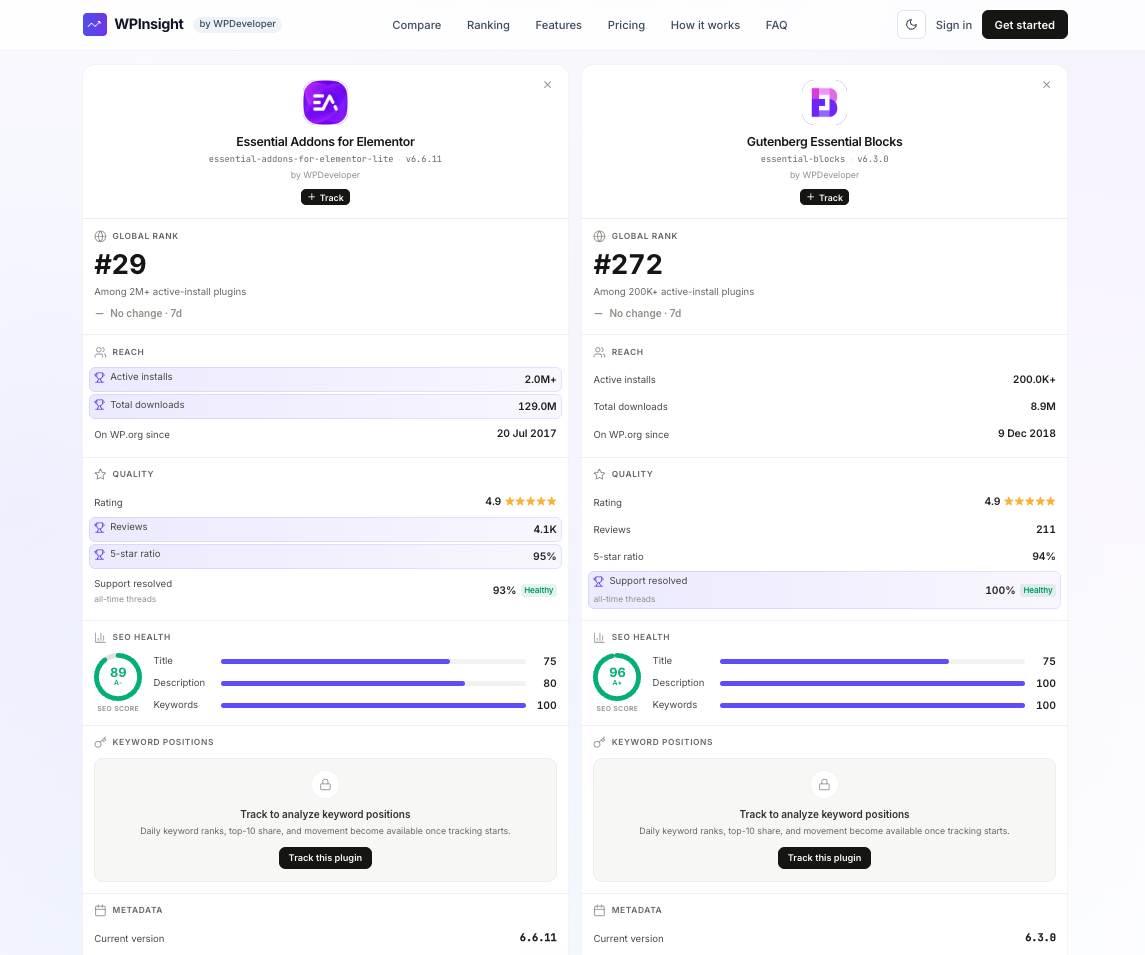
- Review the head-to-head — WPInsight pulls each plugin’s live data from WordPress.org and highlights the winner on each metric.
What you can compare
- Active installs and downloads
- Rating and review counts
- Version and last-updated freshness
- Rank and keyword/SEO signals
The stronger value on each row is highlighted, so the head-to-head reads instantly.
No login needed
Compare works for anyone — it’s a public tool built on public WordPress.org data. When you find a plugin you want to keep an eye on, the Track action lets you add it to your workspace (you’ll be asked to sign in first). See Track your first plugin.