Alerts
Notifications
2 min read
WPInsight surfaces an in-app feed of things worth your attention across your plugins, generated from your latest synced plugin data.
What the notification center shows
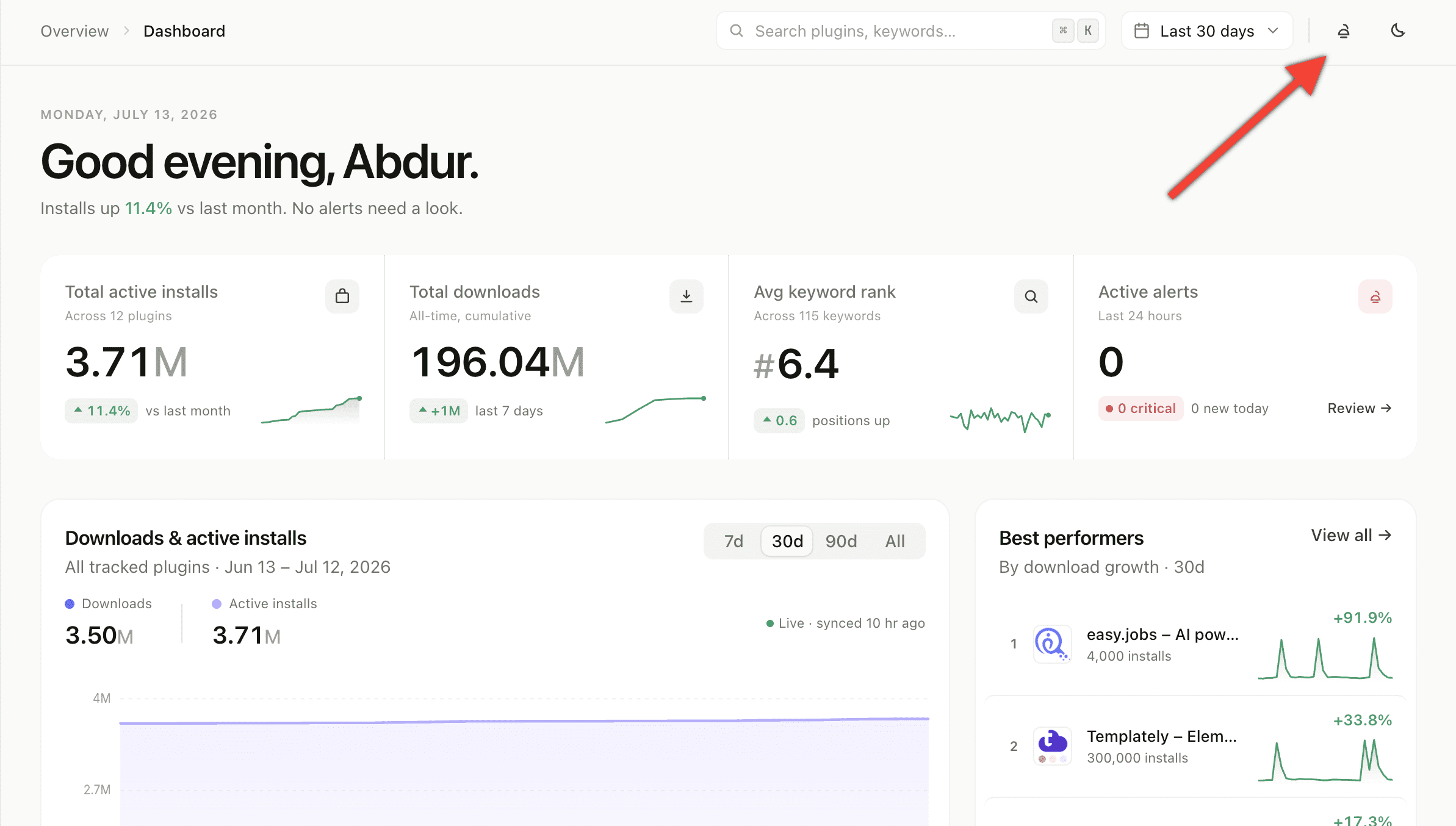
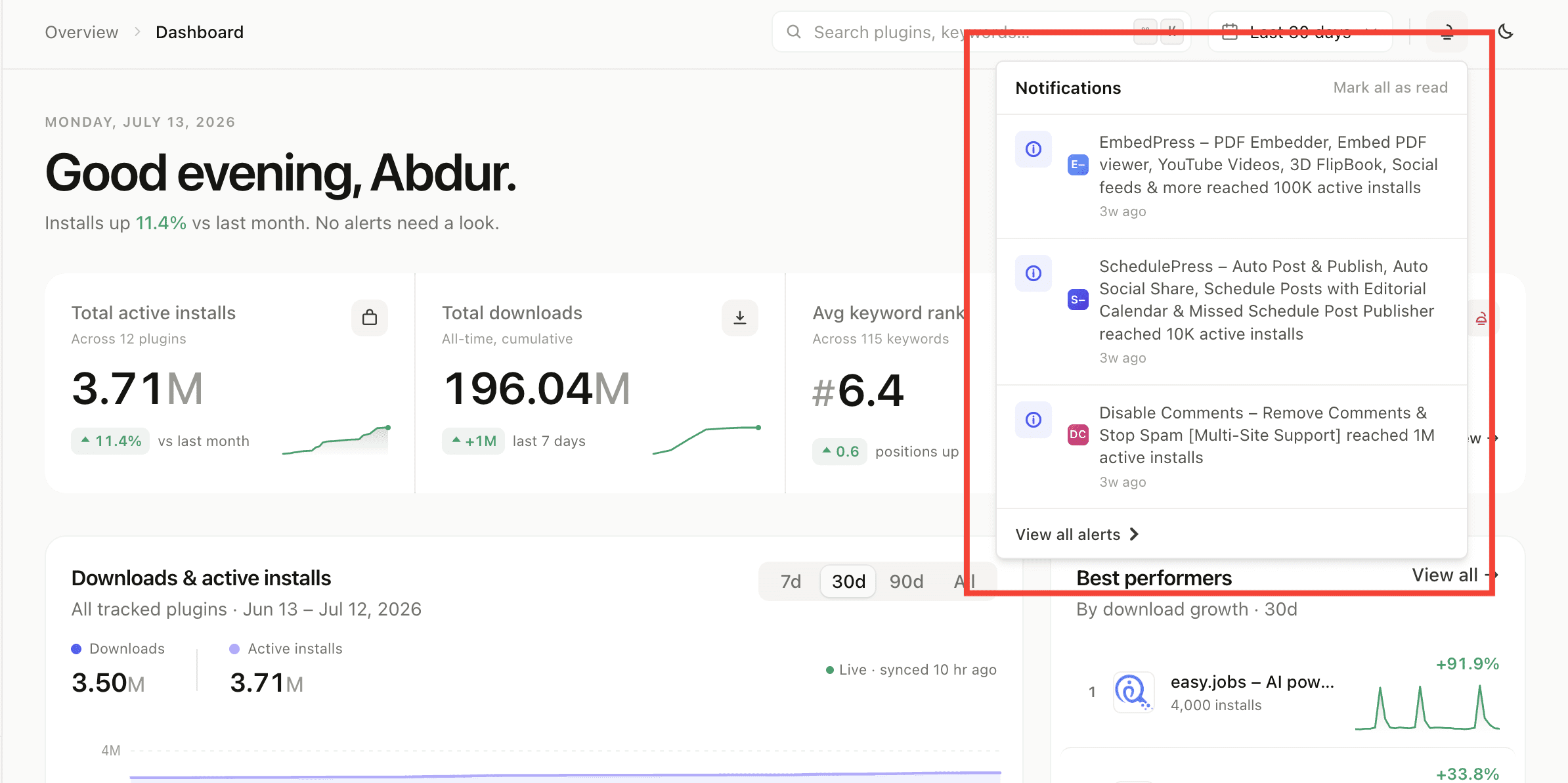
Click the bell in the header to open your notifications. Each one is tagged by severity so the urgent items stand out:
- 🔴 Critical — needs attention now (e.g. a sharp rank drop).
- 🟠 Warning — worth a look soon.
- 🔵 Info — good-to-know updates.
What triggers a notification
- New review — a new review appeared for one of your plugins.
- Milestone — a plugin reached a new install milestone.
- Version lag — a plugin is falling behind on updates.
How to manage notifications
- Mark one as read — click a notification.
- Mark all as read — clear the unread badge in one click.
- Unread counts — the bell shows how many are unread at a glance.
- Auto-cleanup — notifications are removed automatically after 30 days, so the feed stays relevant.
How to get notified in Slack
Want these updates pushed to your team channel too? See Slack integration.