
Workspace
My profile
2 min read
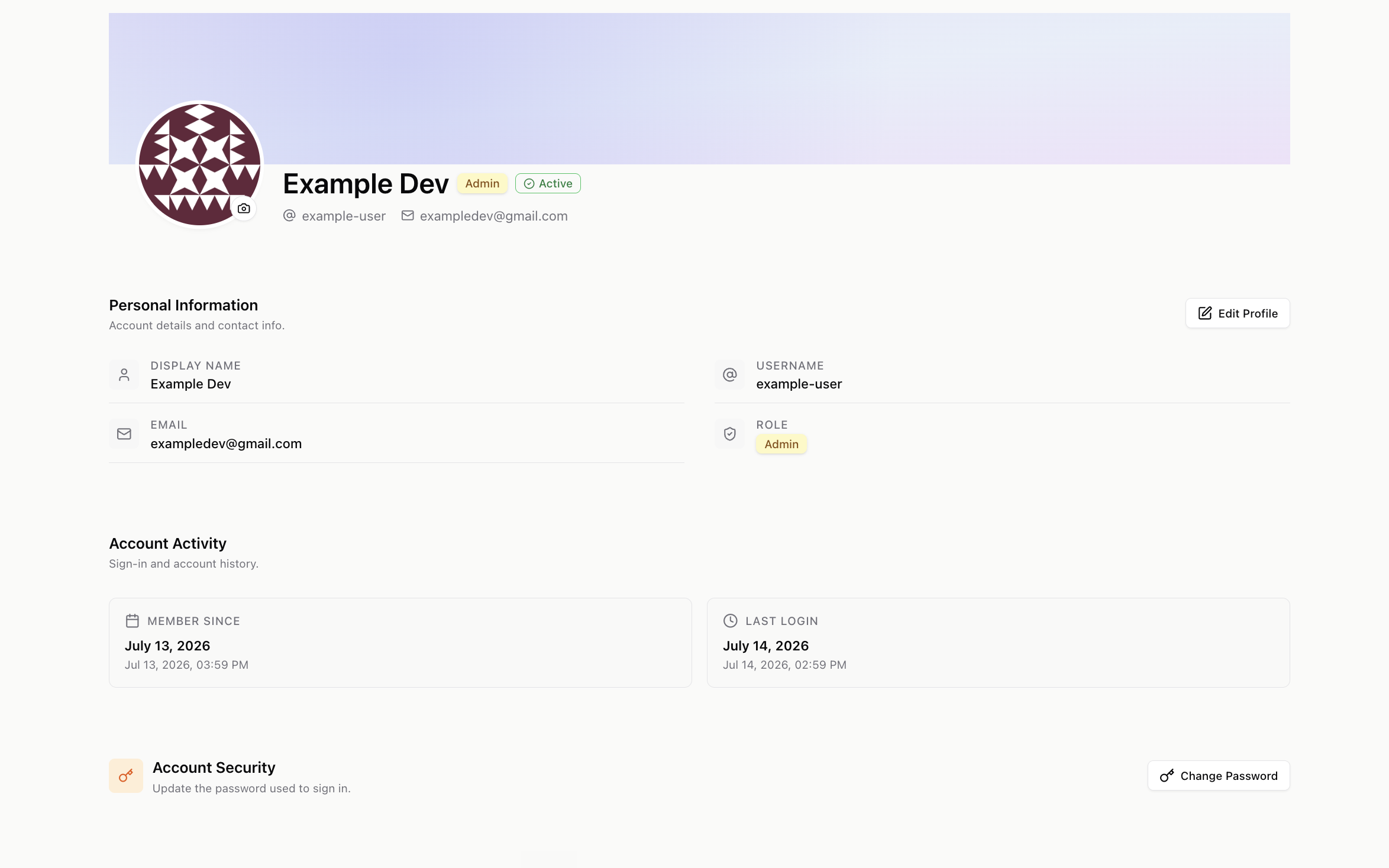
Manage your own account details from the My Profile page.
What you can do
- Edit your display name, username, and avatar (upload one, or fall back to your Gravatar).
- Change your password.
- Change your email — if you’re the workspace owner or admin.
- View a teammate’s profile — if you have permission to view members.
Getting there
Open Profile from the account menu (your avatar) in the sidebar. To manage other members and their roles, see Members & Roles.